
Display, sound and controls
GTA San Andreas widescreen and resolution settings
Stretched picture or a squashed radar on a 16:9 screen? Turn on widescreen, pick your resolution and use /hudscalefix in SA-MP.
Sources checked: · SA-MP 0.3.DL-R1
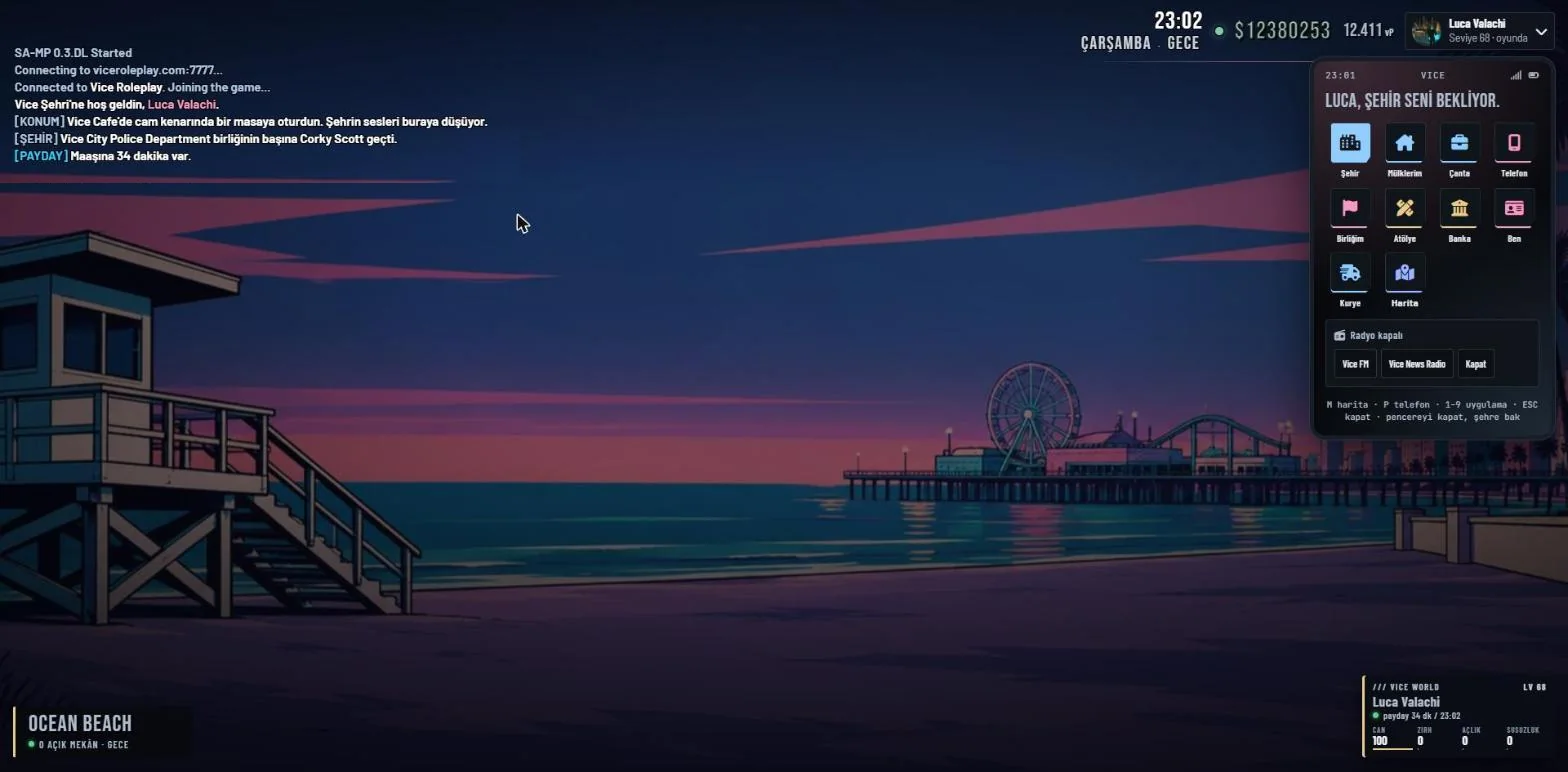
What could cause it?
GTA San Andreas was made for 4:3 screens. On a 16:9 monitor the picture can look stretched and the radar oval if widescreen is off or the resolution does not match your screen.
Try these steps in order
- In the game go to Options > Display Setup and turn Widescreen on.
- In Advanced Display Setup set the resolution to your monitor’s, for example 1920x1080.
- In SA-MP type /hudscalefix to fix the radar scale.
- If it still looks stretched, choose “maintain aspect ratio” in your graphics driver settings.
- If the settings break the game, delete gta_sa.set to reset them.
Check the result
The radar is a circle and people do not look wider than usual: it is fixed.
Sources and scope
These steps are written for Vice. External documents may also contain older or other-version advice; follow the steps on this page.
- Vice check: current 0.3.DL configuration and support procedure.