
Playing in Vice
Vice Roleplay SA-MP IP address and how to connect
The Vice Roleplay SA-MP address is 54.37.194.16:7777. You need SA-MP 0.3.DL-R1 and a game account that starts with VC_.
Vice Roleplay · Sources checked:
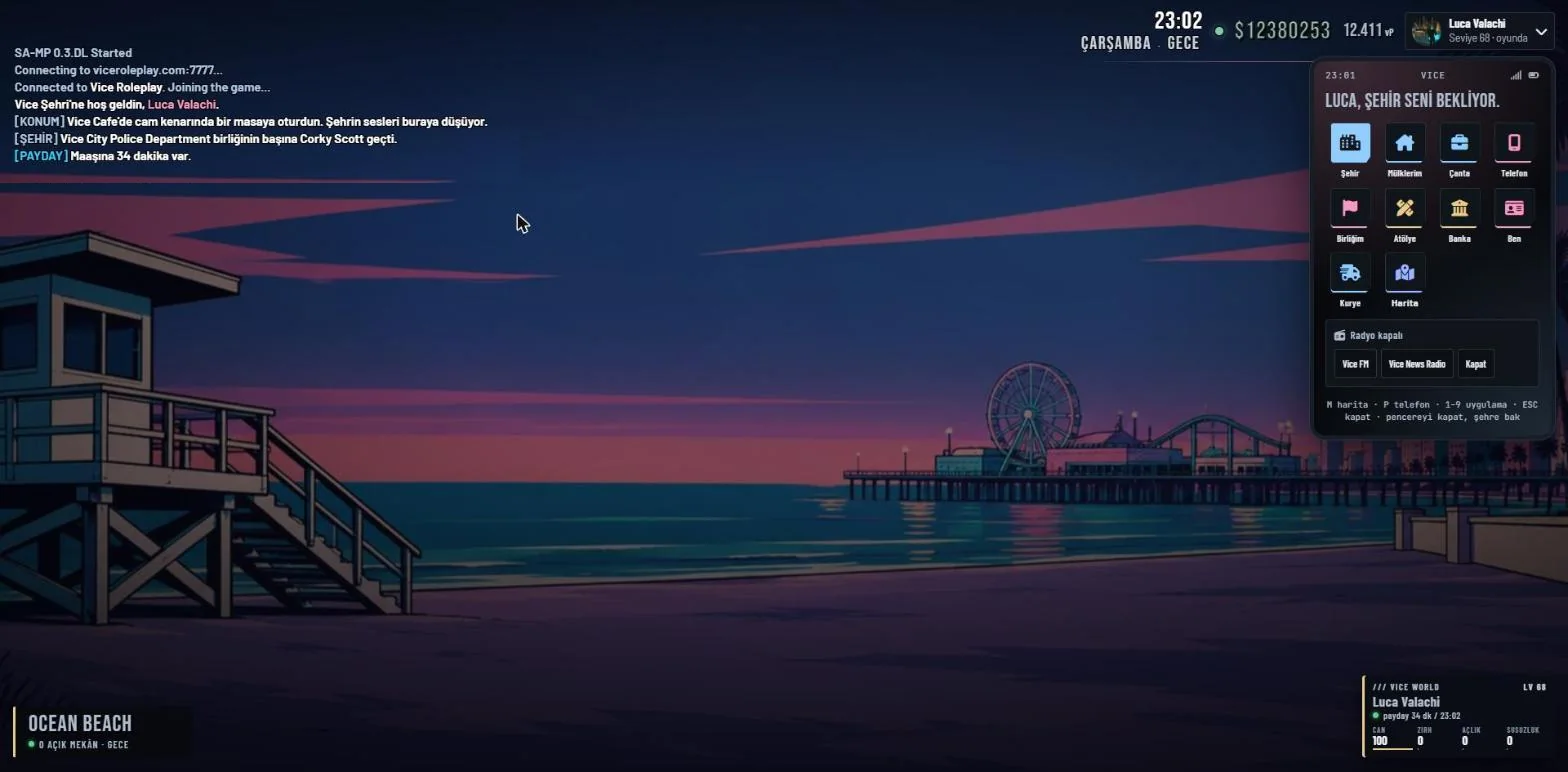
The address for Vice City is 54.37.194.16:7777. Add it to your SA-MP server list, but first make sure you have the right SA-MP version and the game account you created on the site. Without those, the correct address alone will not get you in.
Add the address to SA-MP
Open SA-MP, press “Add Server” and type 54.37.194.16:7777. The server shows up as “Vice Roleplay ~ viceroleplay.com”. During maintenance the name may change; check the Discord announcement.
In the Name box, type your game account name that starts with VC_, not your character’s name. Most “I can’t get in” messages come from this box.
Which version do you need?
Vice uses SA-MP 0.3.DL-R1. Connecting with 0.3.7 or another version gives an “Incorrect version” error. The installer is on the download page and the setup guide walks you through it.
You need classic PC GTA San Andreas, not the Definitive Edition or a phone version. The city files are about 5.87 GB, so keep at least 12 GB free.
If you cannot connect
If you see “Server didn’t respond”, check the address, then your connection and firewall. For model downloads or launch crashes, search this guide for the exact error message.
For account problems (name, password, ban) open a ticket in Support. Never share your password; staff will not ask for it.
Sources and scope
This article was prepared with AI assistance after checking the sources and Vice rules. Example scenes were written for explanation and do not describe actual player incidents. Current server rules and on-screen requirements take precedence.