GTA 6 roleplay: will GTA 6 have RP servers, and when?
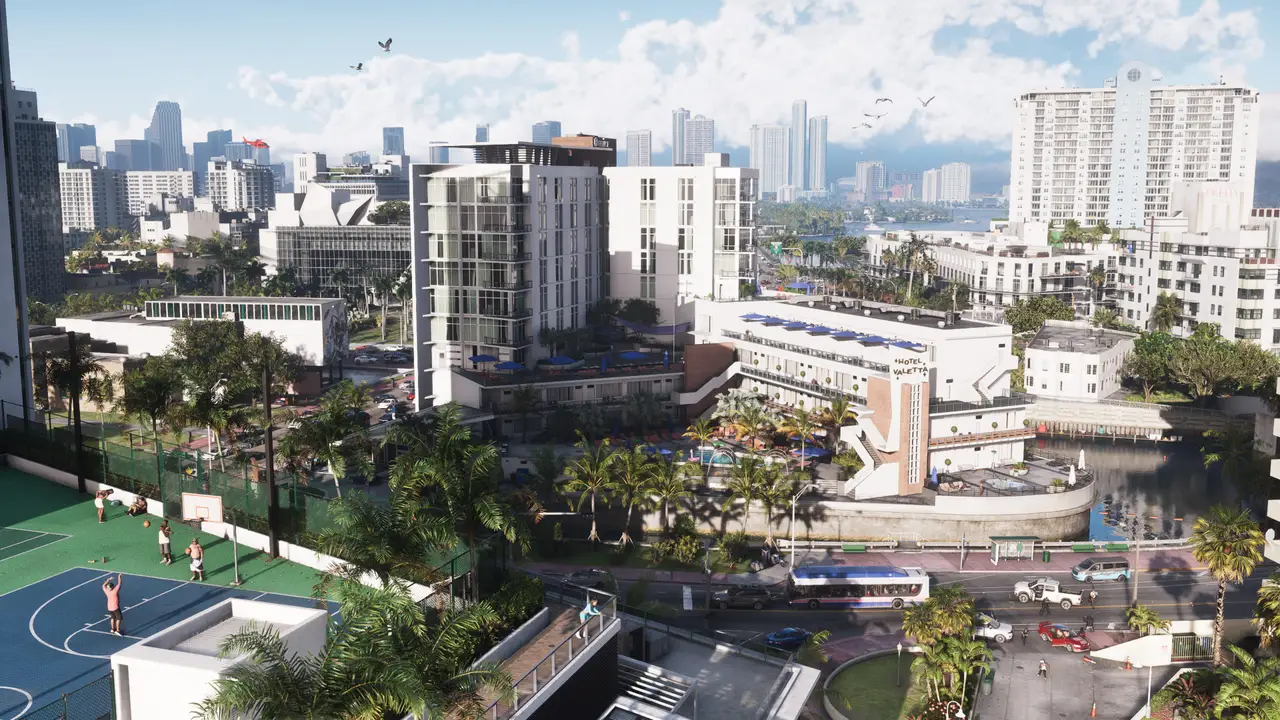
There are no GTA 6 roleplay servers yet: the game launches on consoles only, and RP servers run on PC. Here is when that could change and where to roleplay until then.
Create your character. Leave your story on the city streets.
Vice Roleplay Blog
Updates, events, economy notes and the stories behind the city — all in one place.
There are no GTA 6 roleplay servers yet: the game launches on consoles only, and RP servers run on PC. Here is when that could change and where to roleplay until then.
SA-MP, MTA or FiveM: what should you look at before joining a roleplay server? Eight checks, and Vice’s own answers at the end.
SA-MP means text roleplay on GTA San Andreas; FiveM mostly means voice roleplay on GTA V. PC needs, setup and style compared, and who each one suits.
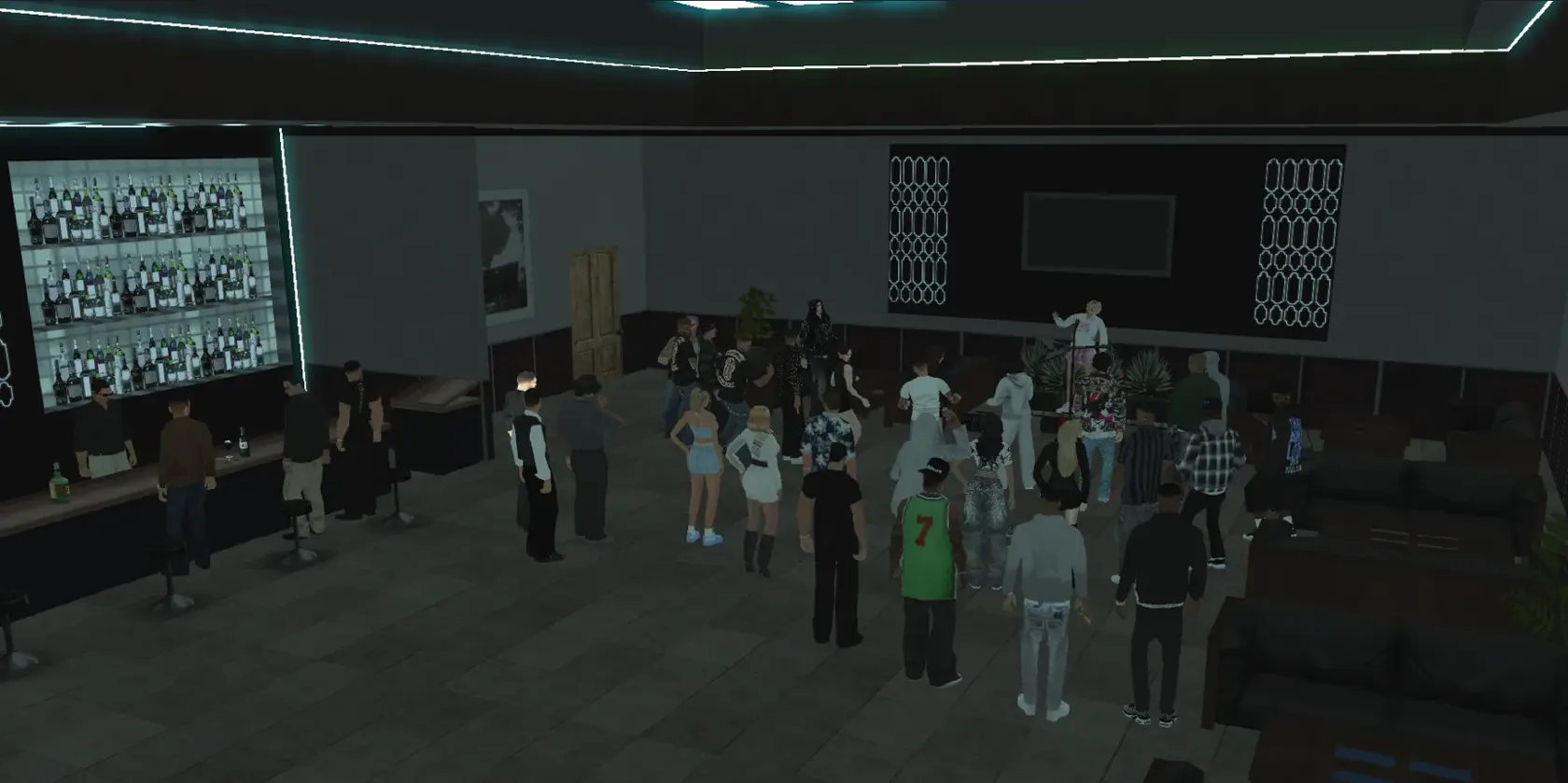
Roleplay (RP) means giving life to a character you made up, inside the game. What IC and OOC mean, how /me and /do work, and how to make a first character.
Official SA-MP development stopped years ago, but the servers stayed open. What open.mp is, how to join SA-MP today, and seven years of Vice’s numbers.
Every major Vice Roleplay update with its date, from v2.1 to the 4.5 overhaul: 2.3, Zeppelin v3.0, Vice Season, v3.8, open.mp, v4 and 4.5.
GTA Vice City was set in 1986; GTA 6 is set today. Map, era and characters compared, plus a third Vice City where real people have been living since 2019.
GTA 6 (GTA VI) launches on 19 November 2026 for PS5 and Xbox Series X|S. Price, the PC question, the Leonida map, Lucia and Jason, and everything else people keep asking.
Announcements, patch notes, guides and the stories behind Vice City now live in the new blog inside the forum.
Your account is ready and your character application was approved. Now what? A step-by-step roadmap for a great first day.
Step Into the Vice Universe
The stories you are reading are being played in game. Create your character and join them.

Vice Roleplay uygulaması
Telefondan girenler için siteyi uygulama gibi yaptık. Social, şehirde son yazılanlar, mesajların ve oyundan gelen SMS'ler tek yerde.
Bir kere ekle, Vice simgesine dokununca tam ekran açılır.
iPhone'da: alttaki Paylaş düğmesine dokun, sonra "Ana Ekrana Ekle"yi seç.
Tarayıcının menüsünü (⋮) aç, "Ana ekrana ekle"yi seç.